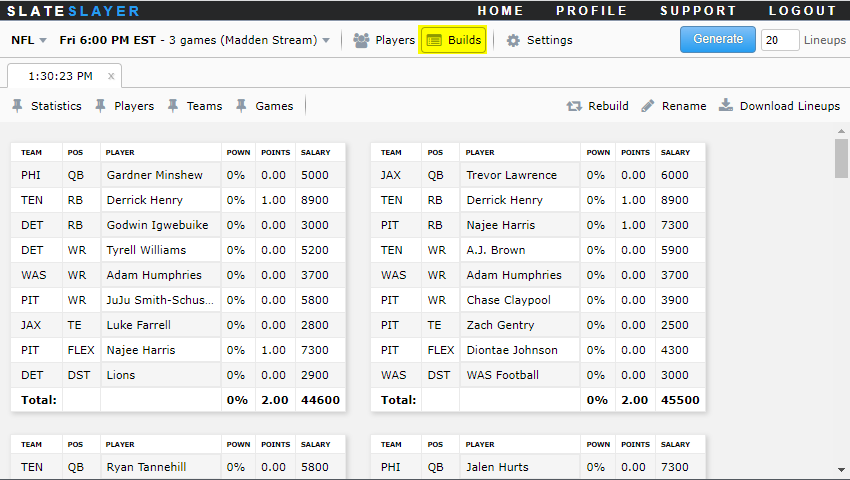
The optimizer supports generating up to 150 lineups per build. Follow the steps below to create a new build.
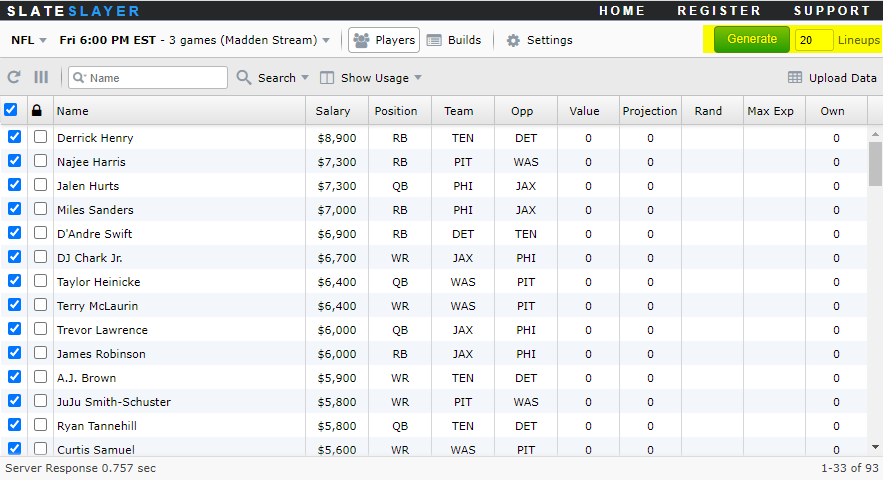
- In the upper right corner specify the number of lineups to generate and click the Generate button.
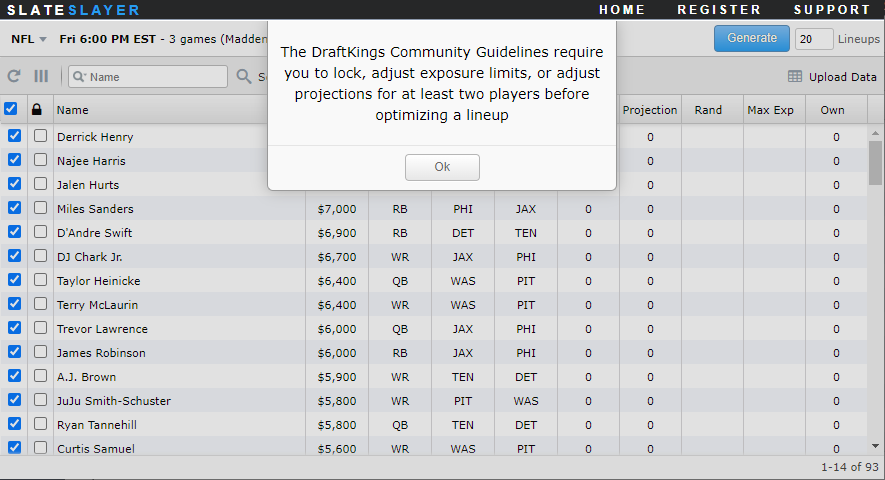
- If you have not made any changes to the player pool, then you will receive a message stating that you must change the exposure or projection values for at least two players to conform to the DraftKings Community Guidelines. If you receive this message, then make the required changes and re click the Generate button.
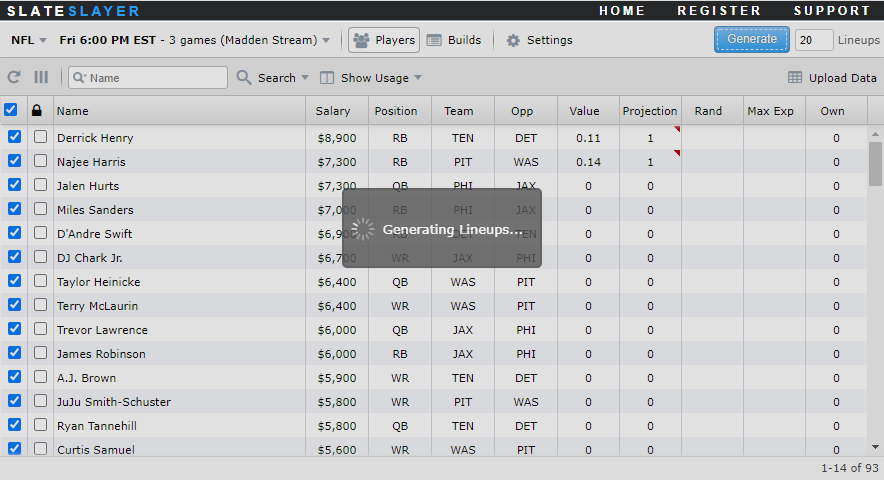
- You will see the message Generating Lineups... once the optimization process begins. The optimization process can take several minutes especially if you have a large player pool or many rules (stacks, groups, etc.) defined. If you find yourself waiting longer than 10 minutes for a build to finish, then contact support through the Support link the upper right header.
- Once the optimization process completes, you will be taken to the Builds page where you can review the generated lineups.