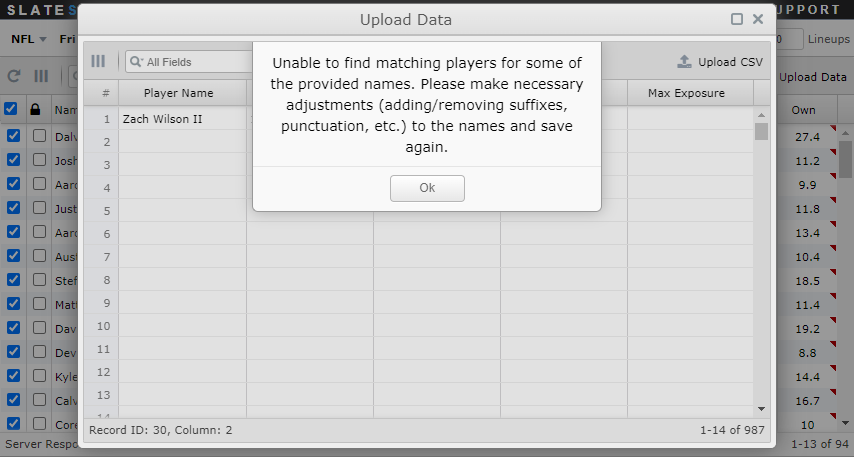
Player data such as projected points, randomness, and exposure can be edited at the individual player level in the main players grid. Player data can also be mass edited as follows:
- Select the Upload Data button in the upper right corner of the players grid.
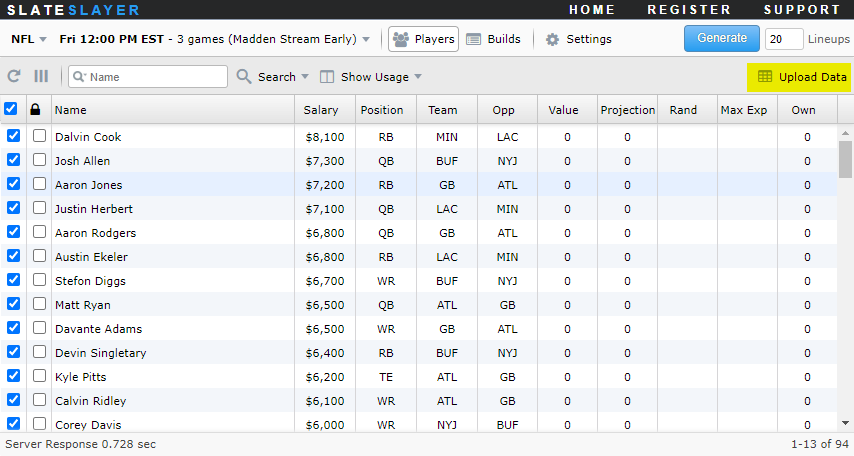
- Copy and paste CSV player data using keyboard commands
CtrlC/CtrlVinto the spreadsheet-like grid and click Save.
- The projection data will be applied to the players in the player pool.
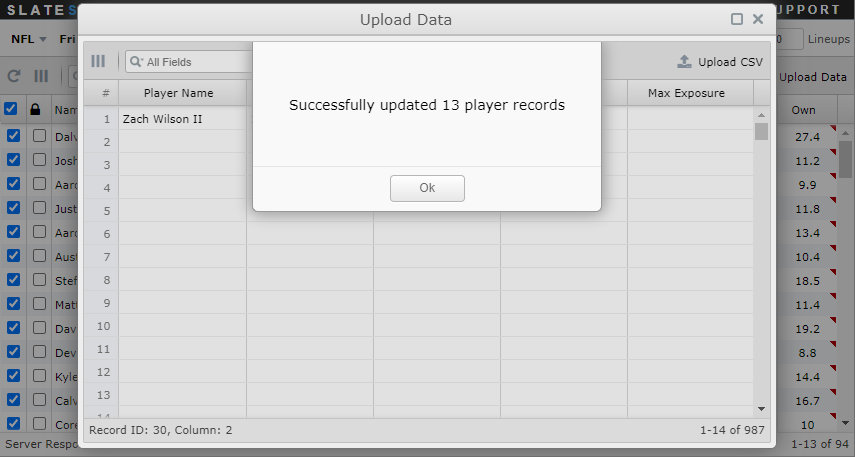
- A message will be displayed if there are rows of player data that did not successfully upload. This will happen if the optimizer is unable to match on the provided player name. If this occurs, then review the provided player name for possible errors and resave.