Empty tables and unavailable actions can have different causes. Start with the active filters, then review whether current exact-line prices, liquidity, and links are available for the market you want.
If no results appear
- Clear Search and broaden Sport and Market. On Pick’em and Odds, review Game as well.
- Use Reset on Pick’em or Odds, or broaden individual +EV/Arbitrage filters manually.
- On Pick’em, check the selected site, Books and Min books. Fewer qualifying exact-line sources can remove a selection.
- On Odds, widen Starts. On +EV, reconsider Max odds, execution Books, and Consensus. On the sportsbook screens, review Min LIQ.
- If the table still has no +EV bets or arbs, there may simply be no current opportunity meeting those conditions.
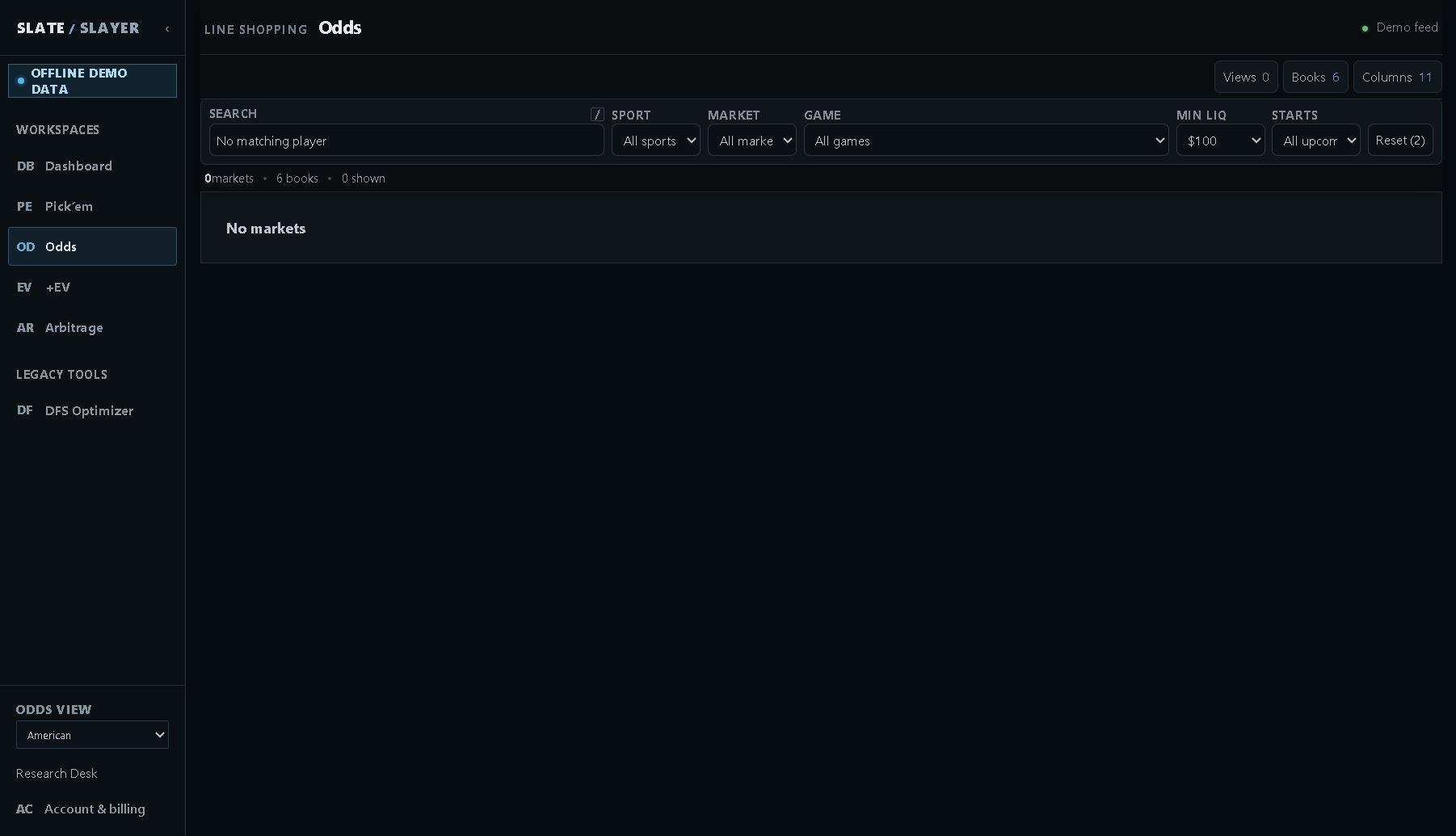
Illustrative demo data: an empty result is different from a feed error.
If a book shows a dash
A dash means a usable quote is unavailable for that book and line. The book may not offer the exact threshold, may lack a valid price, or may have no current data. It does not mean +100, 50%, or a zero probability. On Odds, try another offered line using the Line selector.
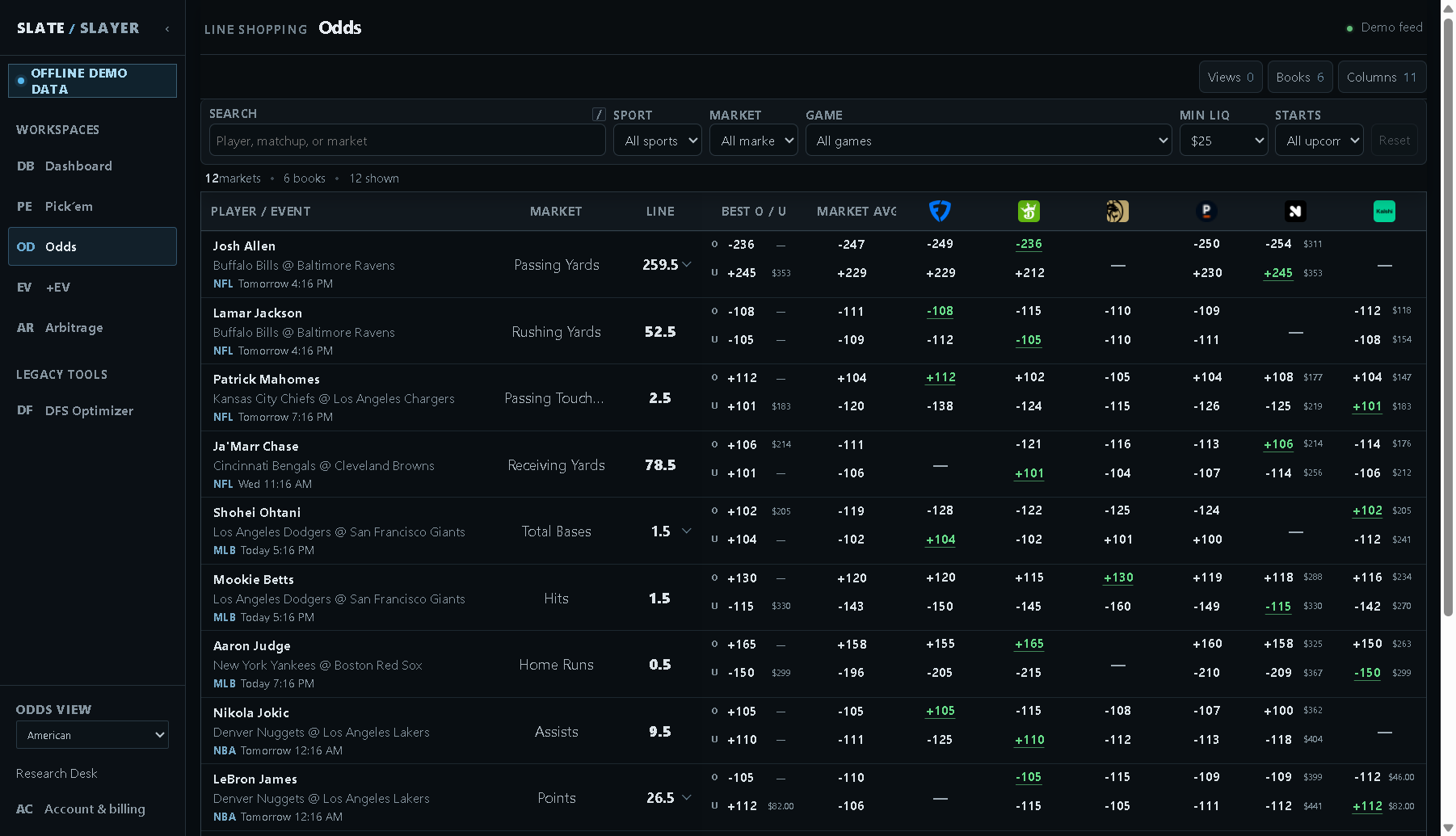
Illustrative demo data: books do not necessarily offer every threshold.
If a book or link is unavailable
A book with no current odds may be unavailable to select while an existing preference is retained. A direct link may not be supplied for a market. +EV and Arbitrage actions can be disabled while filters refresh, during a feed error, after scheduled start, or when required pricing, liquidity or consensus is no longer actionable.
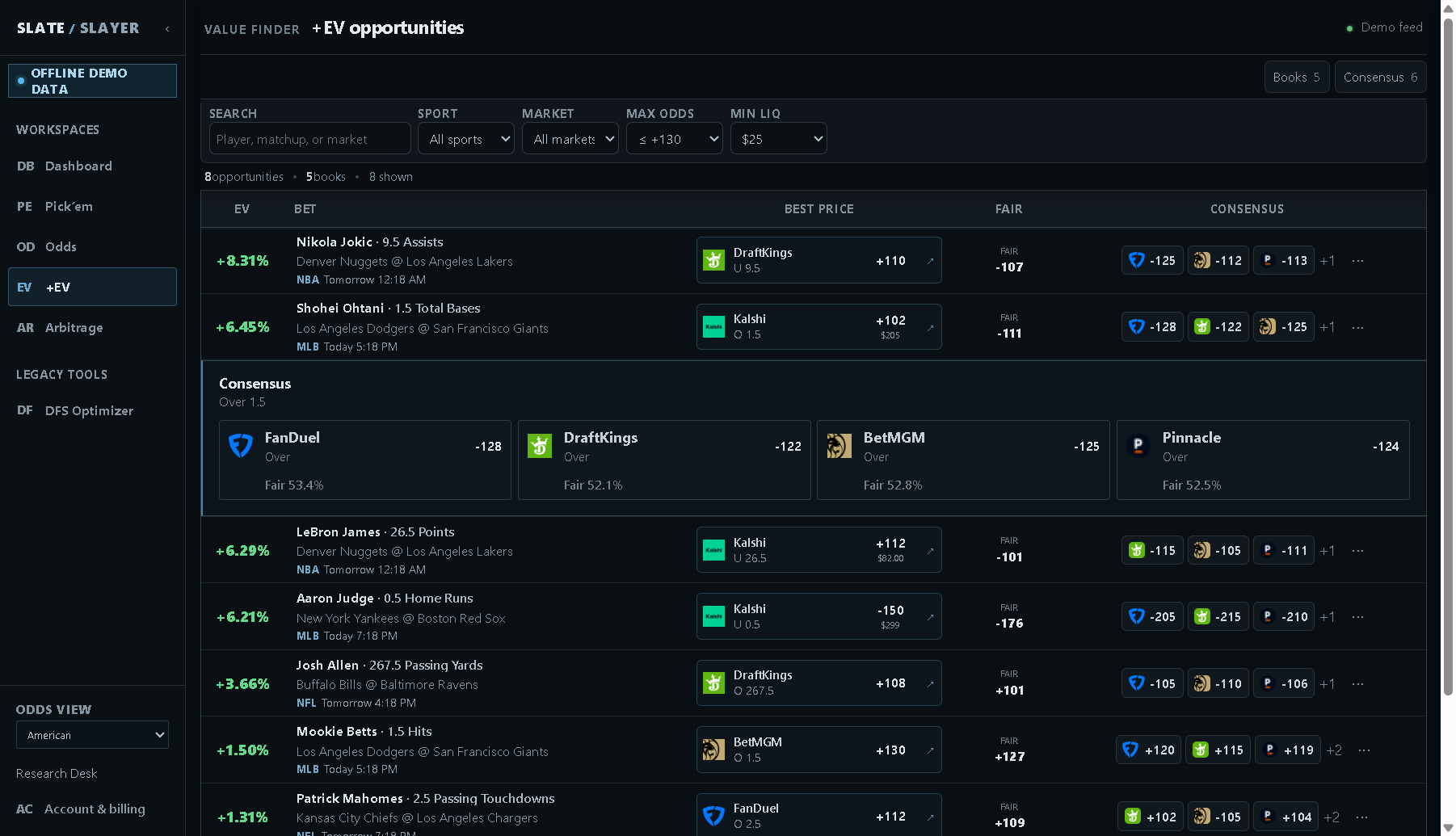
Illustrative demo data: demo actions are intentionally disabled. Live actions can also be unavailable for the reasons above.
When the interface reports a feed error, retry or reload and wait for valid current data before following an opportunity. Do not infer current availability from an old screenshot or saved selection.
If PrizePicks omits a selection
Manual entry means a saved leg has no usable projection identifier for prefill. Open N/M launches only the N supported legs out of M selections. Review the omitted legs manually on the provider’s board.
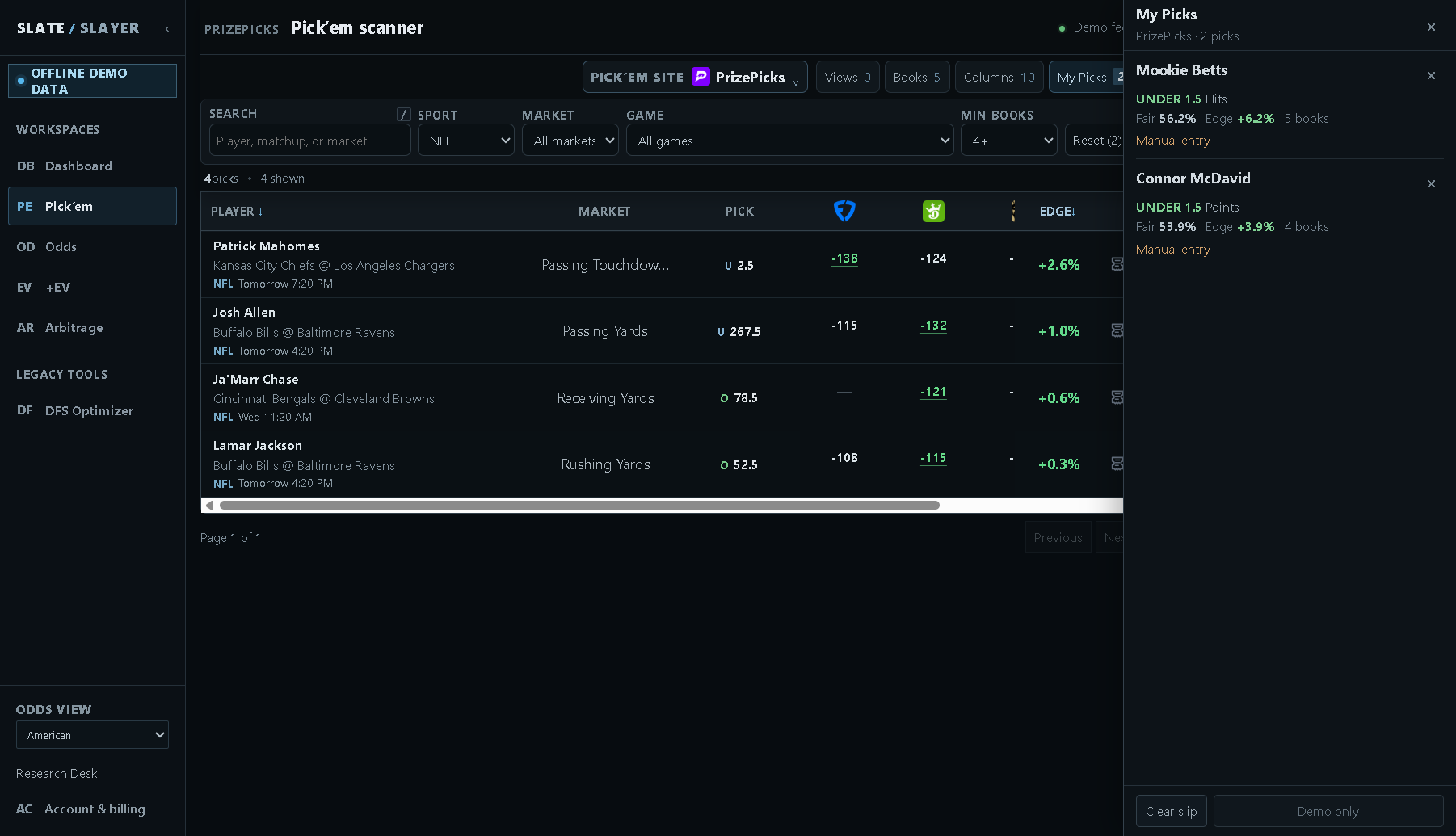
Illustrative example: the selected leg needs manual review at the provider.
If a saved view or slip is missing
Views, preferences, and slips use browser-local storage. Check that you are using the same browser and account. Pick’em slips and views are also separate by site. Do not expect automatic cross-device synchronization.
Get help
Open Support in the member sidebar or visit the SlateSlayer help center. When reporting a problem, include the workspace, site/book, sport, market, player, line, approximate time, and filters. Include a screenshot of the problem without account or payment information.