Use the Pick’em scanner to compare a site’s player-prop lines with sportsbook prices at the same line. Choose a site, narrow the table, and review the market evidence before adding a leg to My Picks.
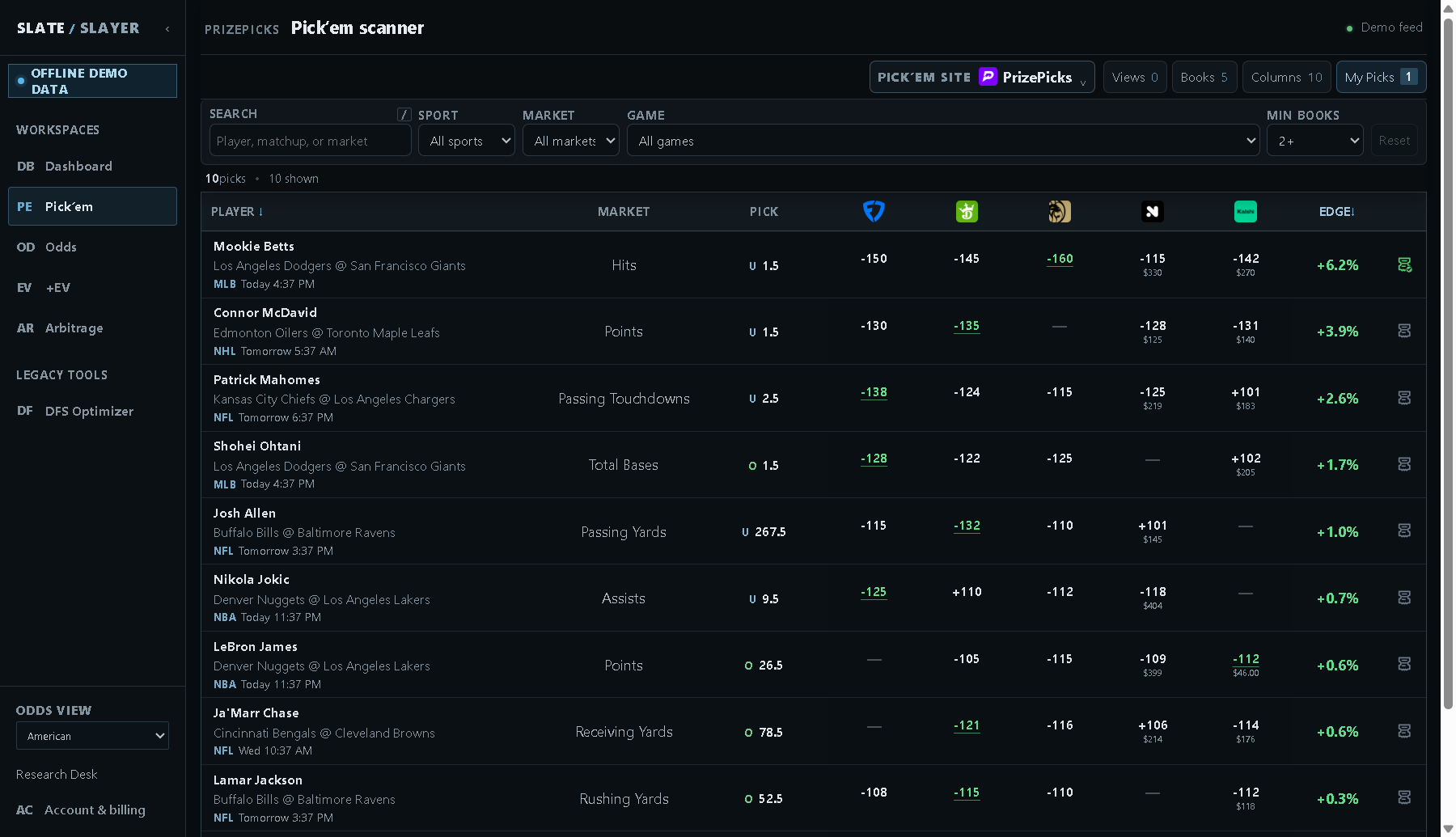
Illustrative demo data: each row is a selection for the chosen Pick’em site.
Choose a site and find a market
- Open Pick’em from the sidebar.
- Open Pick’em site and choose the provider you want to research. Examples include PrizePicks, Underdog, and DK Pick6 (DraftKings Pick6); the selector reflects the current supported catalog.
- Use Search for a player, matchup, or market. Narrow the table with Sport, Market, and Game. Changing a broader filter can reset dependent filters.
- Open Books and select the sportsbooks you want used in your comparison. This affects pricing and qualifying source counts as well as the visible columns.
- Set Min books to require at least 1, 2, 3, or 4 qualifying sources. The initial setting is 2+.
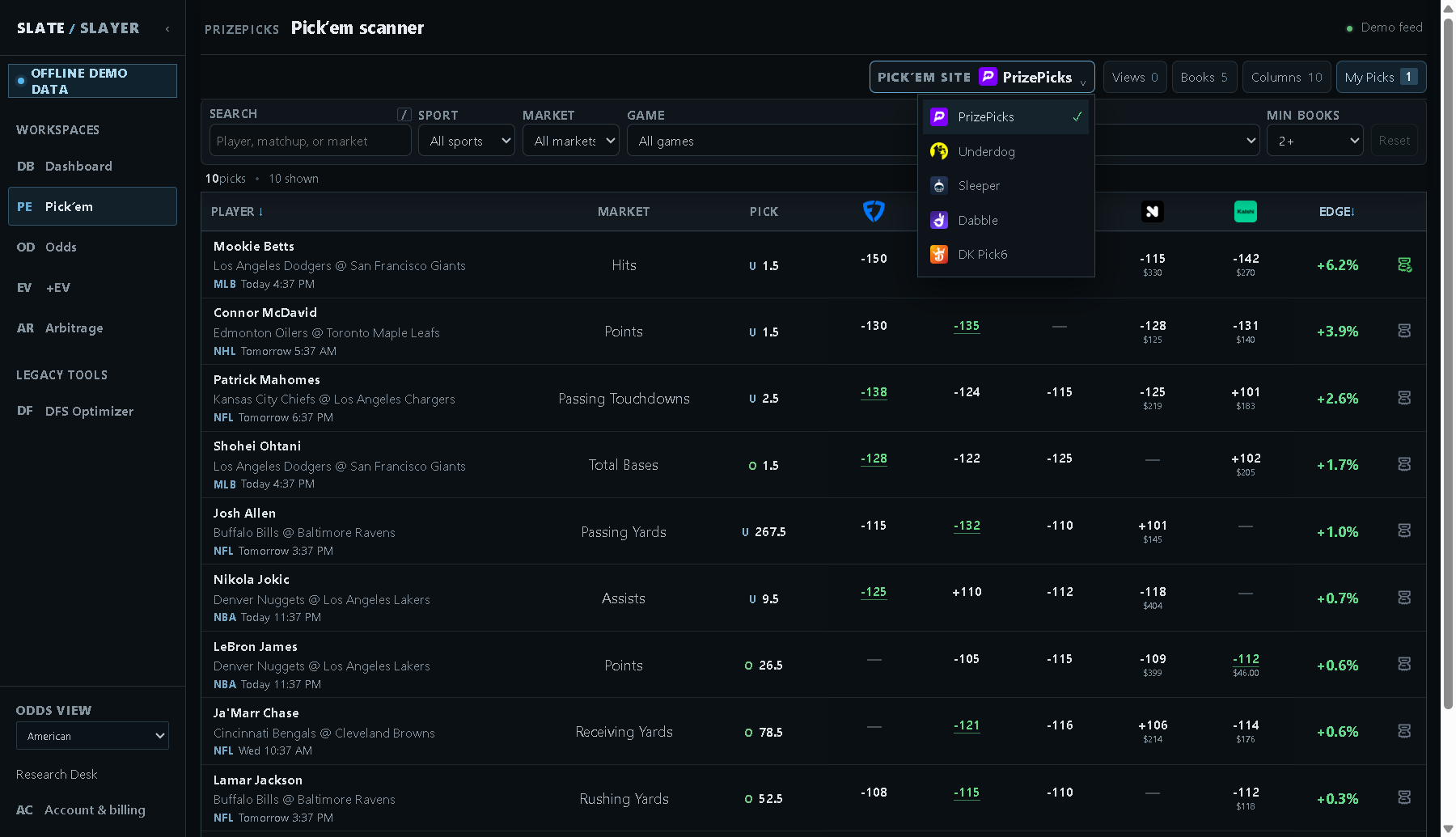
Illustrative demo data: use Pick’em site to switch providers.
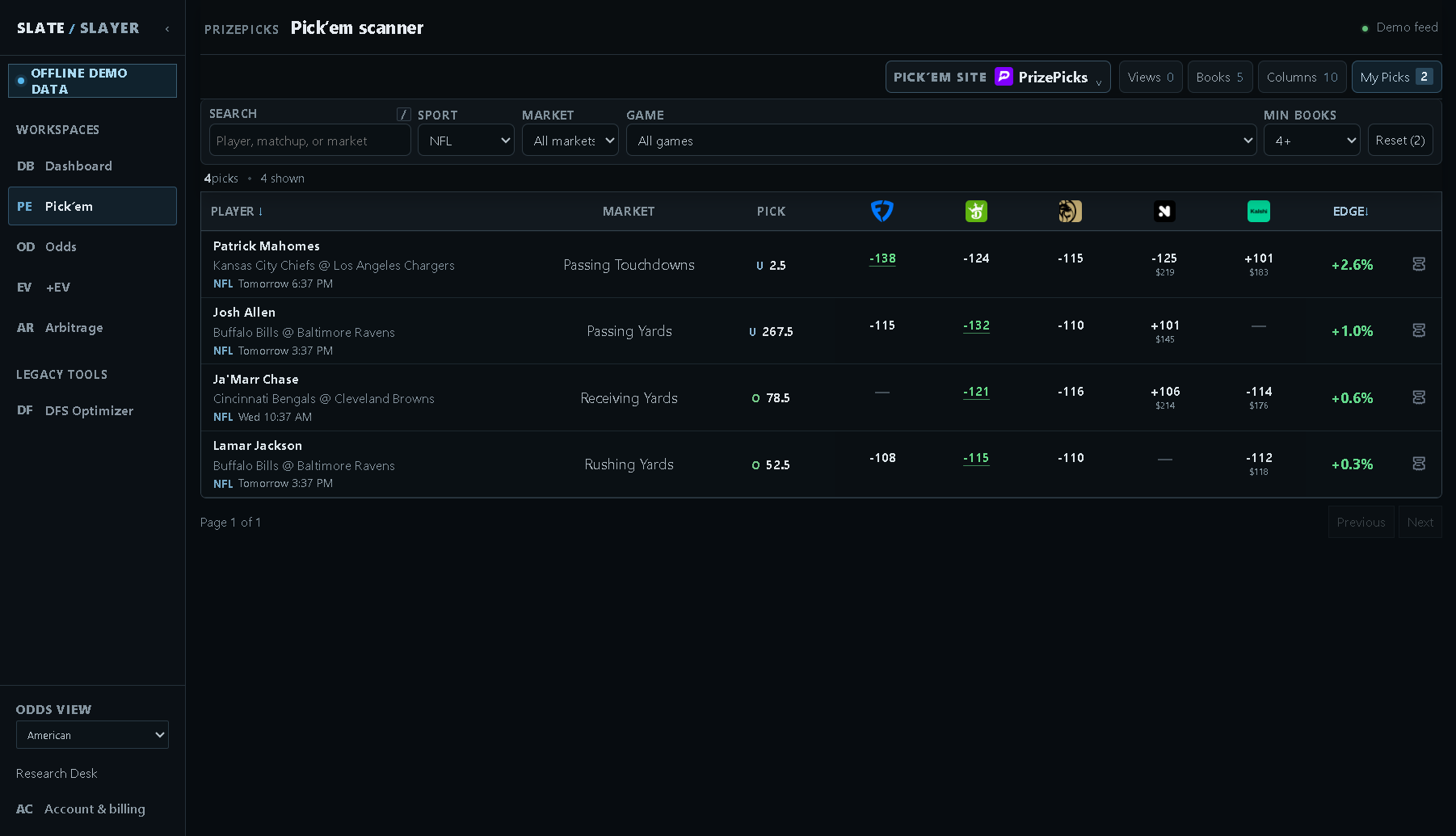
Illustrative demo data: combine filters to focus the table.
Read a row and add a leg
| Field | Meaning |
|---|---|
| Player / event | The participant, matchup, sport, and scheduled start. |
| Market | The stat being measured. |
| Pick | O means Over; U means Under. The number is the site’s line. |
| Book columns | Prices for that selected direction. A dash means a usable quote is unavailable, not even odds. |
| Edge | The market-estimated fair probability minus 50%, expressed in percentage points. |
| Slip | The far-right ticket icon adds or removes a leg in the selected provider’s slip. |
- Confirm the player, stat, direction, and line.
- Review the source coverage and Edge. A displayed +6.2% means 6.2 percentage points above the 50% baseline; it is not the expected return of a complete entry.
- Select the far-right Slip icon and open My Picks to review your choices.
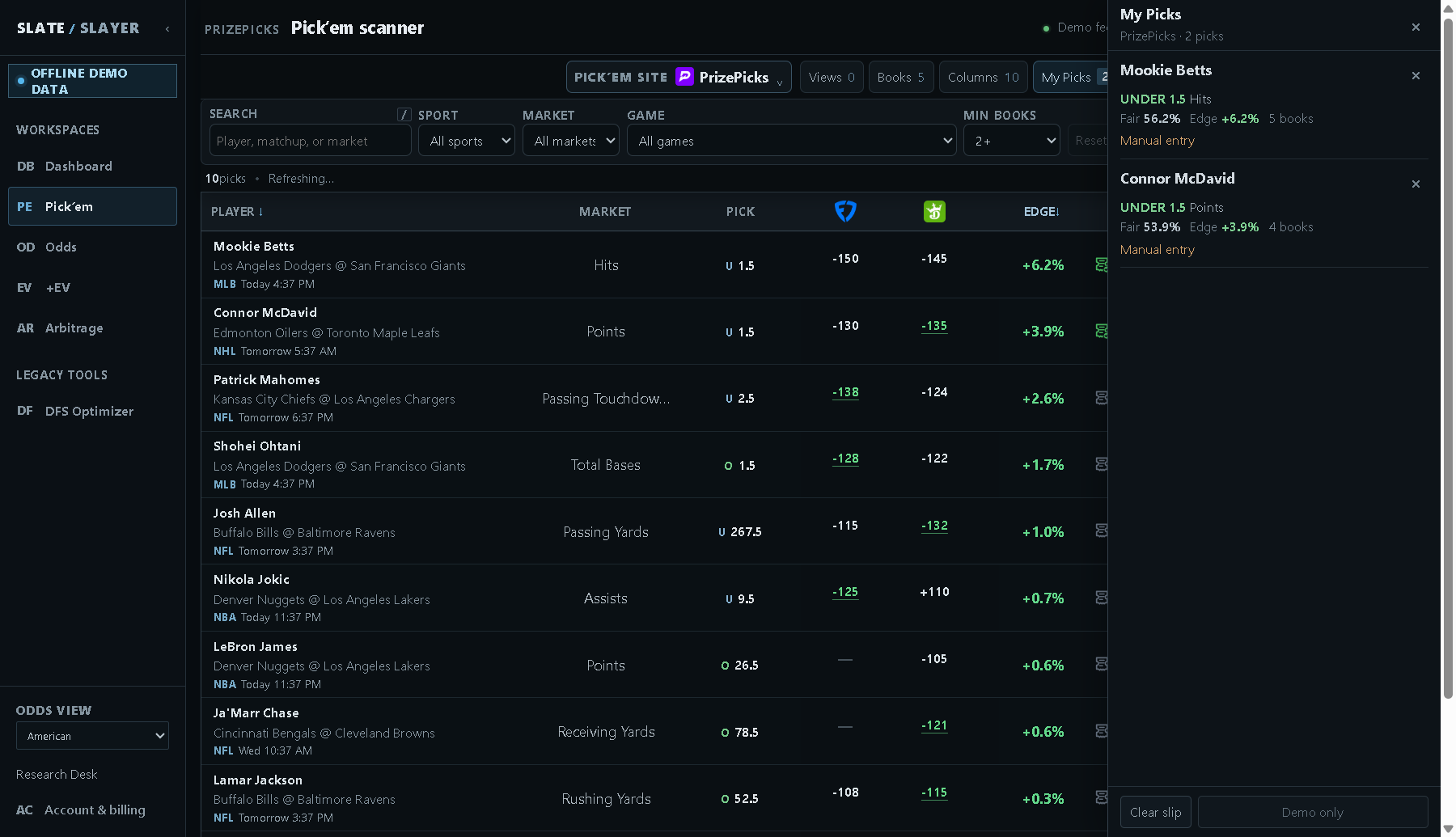
Illustrative demo data: My Picks summarizes selected legs; external actions are disabled in demo mode.
If the table is empty
Broaden the query, review Books and Min books, or try another available site. A book must have usable evidence at the same line to count toward that selection. Reset clears query filters; Columns → Default restores the table configuration.